Be a creator. Skip the editing .
Drop in your clips. Mio edits them into a video that's ready to post, in your style, in minutes.
Your real footage. Nothing fake.
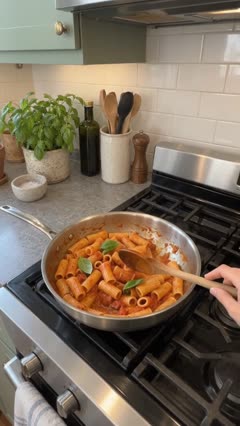
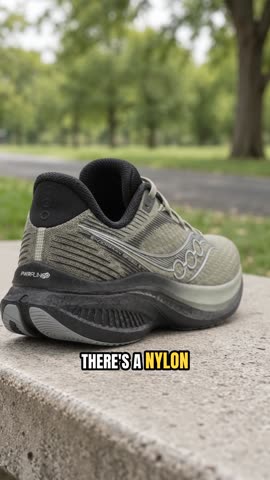
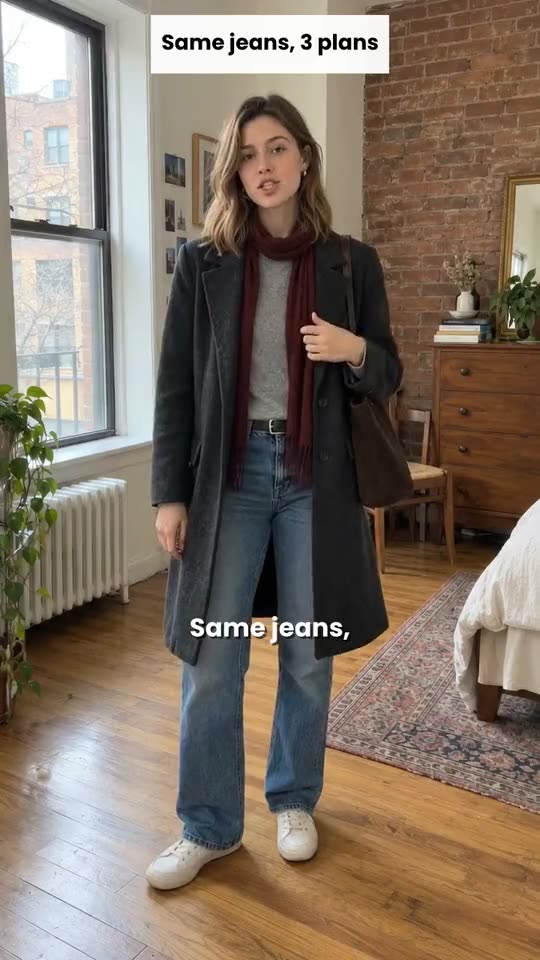
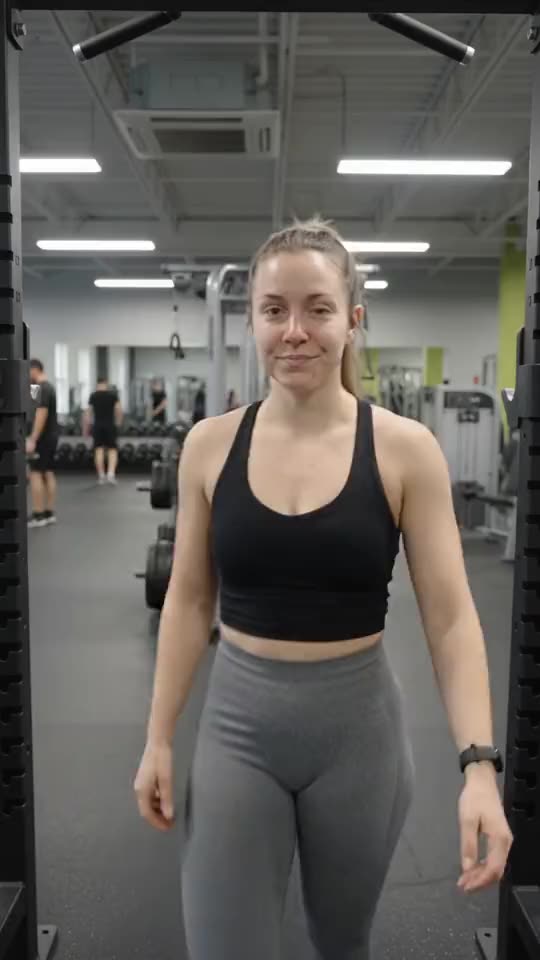
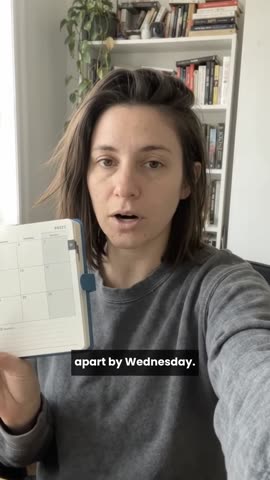

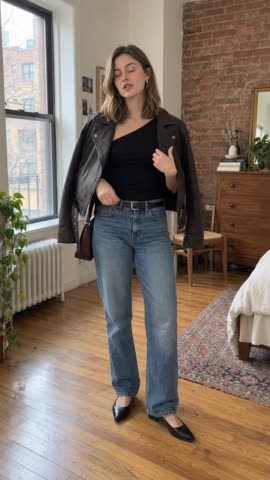
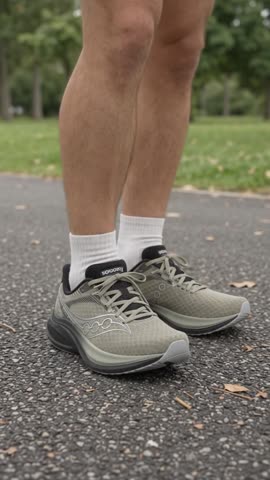
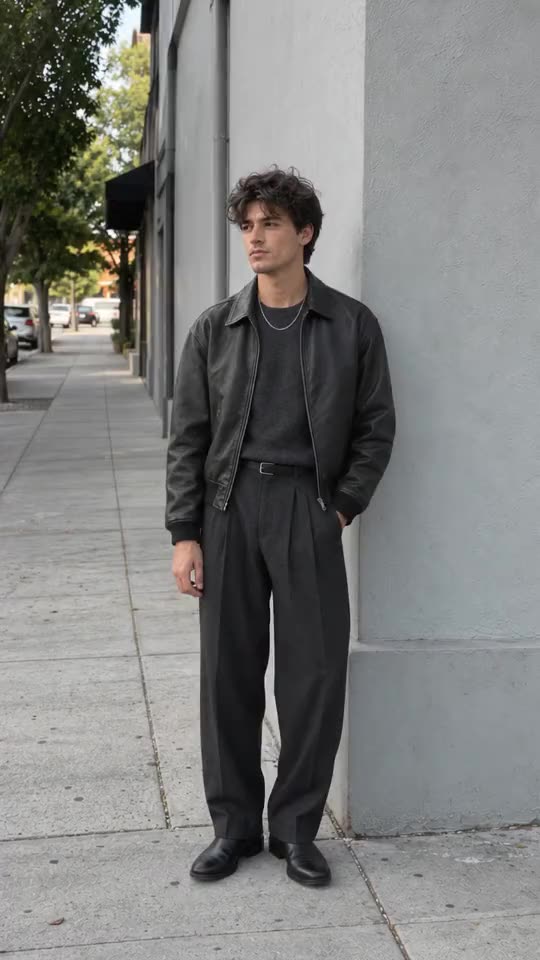

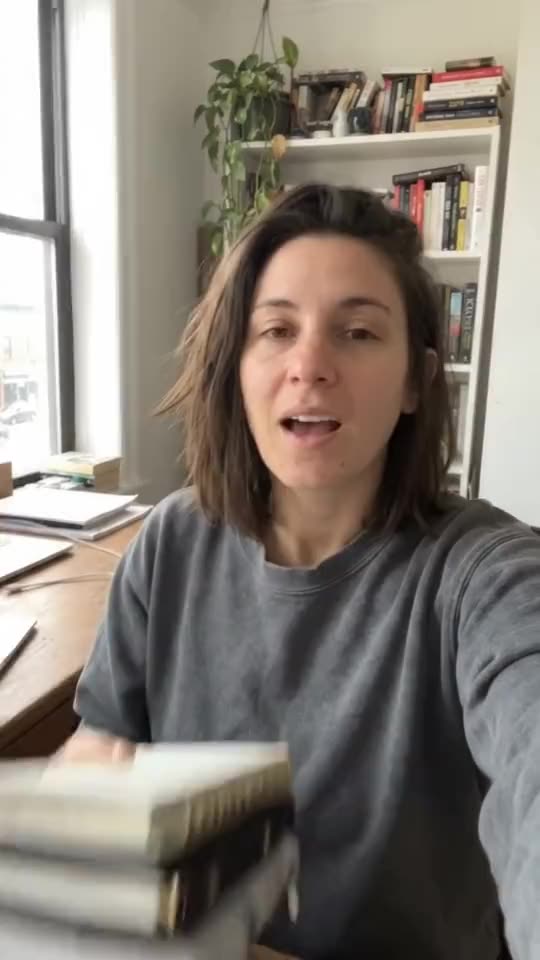
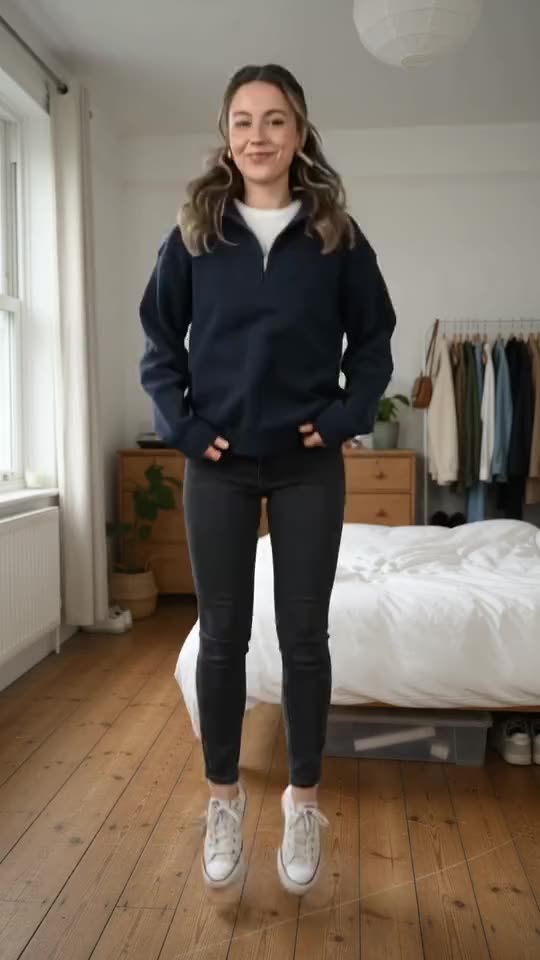

Watch Mio edit
From raw clips to ready to post.
- 1 Watches every clip With sound. What you said, what's on screen, where it drags.
- 2 Keeps your best take of every line Stumbles, repeats and dead air come out.
- 3 Builds the story Your strongest hook first, the tightest order, a clean ending.
- 4 Captions every word Timed to your voice, styled like yours.
- 5 Checks its own work It watches the finished cut and polishes it before you ever see it.
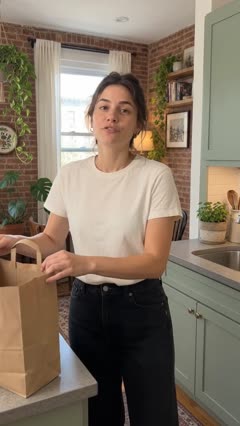
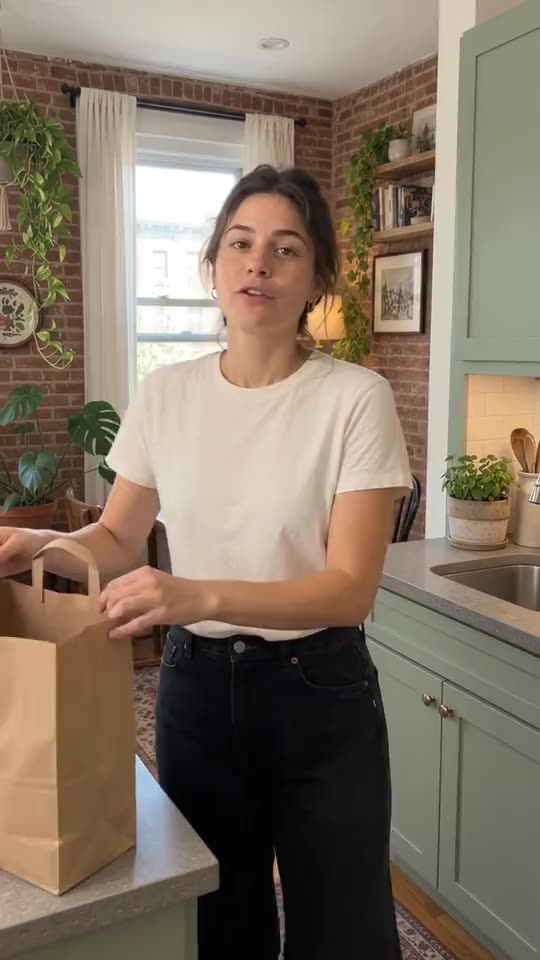
A dinner party Mio edited
Make it yours
Want it different? Just say so.
Tell Mio what to change, like you'd text a friend. Try it on this video.
Text style
Just say so
Mio: Ask me for a change, and watch it happen.
Mio can alsoCaptions in your styleFollow you as you moveAdd your own extra shotsCut in time with your musicColor looksTransitions
Your style
Every video, edited your way.
Share a few videos you've posted, and Mio matches your pace, your cuts, how soon you hook, and your captions and colors. Every edit starts closer to yours.
For anyone who’s ever said “I should really start posting.”
- Day in my life
- Shop updates
- How-tos
- Recipes
- Product reviews
- Workouts
- Travel diaries
- Home projects
- Book chats
- Behind the scenes
Always you
Nothing fake, ever.
- Avatars
- Copied voices
- Made-up footage
- Just you.
Mio only edits what you filmed. Your audience is here for you.
Plan it too
Stuck on what to film? Mio has ideas.
Paste a link or a half-formed thought. Mio pitches hooks in your voice and plans the whole video: what to say, what to show, what goes on screen.
SayStart with the mileage. Then the one thing you'd change.
ShowMuddy shoes on the trail, then a close-up of the soles.
On screen50 miles later
Questions
Good questions.
Do I need to know how to edit?
Not at all. Film it, drop it in, and tell Mio what you'd change. If you ever want to fine-tune by hand, the controls are there.
Will my videos look like everyone else's?
They'll look like yours. Mio matches the videos you've already posted, and you can change anything it does.
Is it my real footage?
Always. Mio only edits what you filmed. It never creates people, voices or footage.
What if I don't like the result?
Tell Mio what to change, undo any edit in one tap, or go back to an earlier version. You always have the final say.
What kind of videos does it work for?
Short videos, vertical or horizontal: talking to the camera, product shots, how-tos, recipes, workouts, day in my life and more. The phone you already have is all you need.
How fast is it?
Minutes, not hours. Mio makes the first cut while you get on with your day. Then you tweak it and post.
Do I have to pay?
We're opening early access to a small group first, and we'll share pricing well before your spot opens.
Who owns my videos?
You do. Your footage and your finished videos are always yours.
Your camera roll is waiting
Go ahead. Post the thing.
Save your spot and we'll email you when it opens.